Why the Right App Matters at Home
A smart home can feel simple when every device works in isolation. The experience changes once lights, thermostats, cameras, speakers, and locks come from different brands. You may end up switching between apps, repeating setup steps, or asking which household member has access to what. The control app becomes the layer that determines whether those devices feel like one system or a collection of separate products.
The best choice is not always the app with the longest feature list. Compatibility, setup time, automation tools, response speed, privacy controls, and support for multiple users all affect daily use. A platform may offer powerful routines but provide limited support for older devices, while another may be easier for guests and family members but less flexible. Comparing those trade-offs helps you choose an app that fits how your home actually operates.
Start With the Devices You Already Own
Begin with the devices already installed in your home. Check the brands, model numbers, connection methods, and any hubs they require before choosing an app. A platform may support smart bulbs from one manufacturer but exclude an older thermostat or security camera. Matter and similar standards can improve compatibility, but support still varies by device, app version, and feature. Basic control may work while advanced settings, such as energy reports or camera alerts, remain available only in the manufacturer’s app.
Make a short list of the devices you use most and identify which app can control the largest number without extra workarounds. Also note whether each product connects directly through Wi-Fi, Bluetooth, Zigbee, Z-Wave, or a separate bridge. Hubs add cost and another possible point of failure, even when they improve reliability. If one platform covers your essential devices but leaves occasional products outside it, that may be acceptable. Requiring several unofficial integrations to connect everything usually creates more maintenance than convenience.
Which App Makes Setup Less Frustrating?
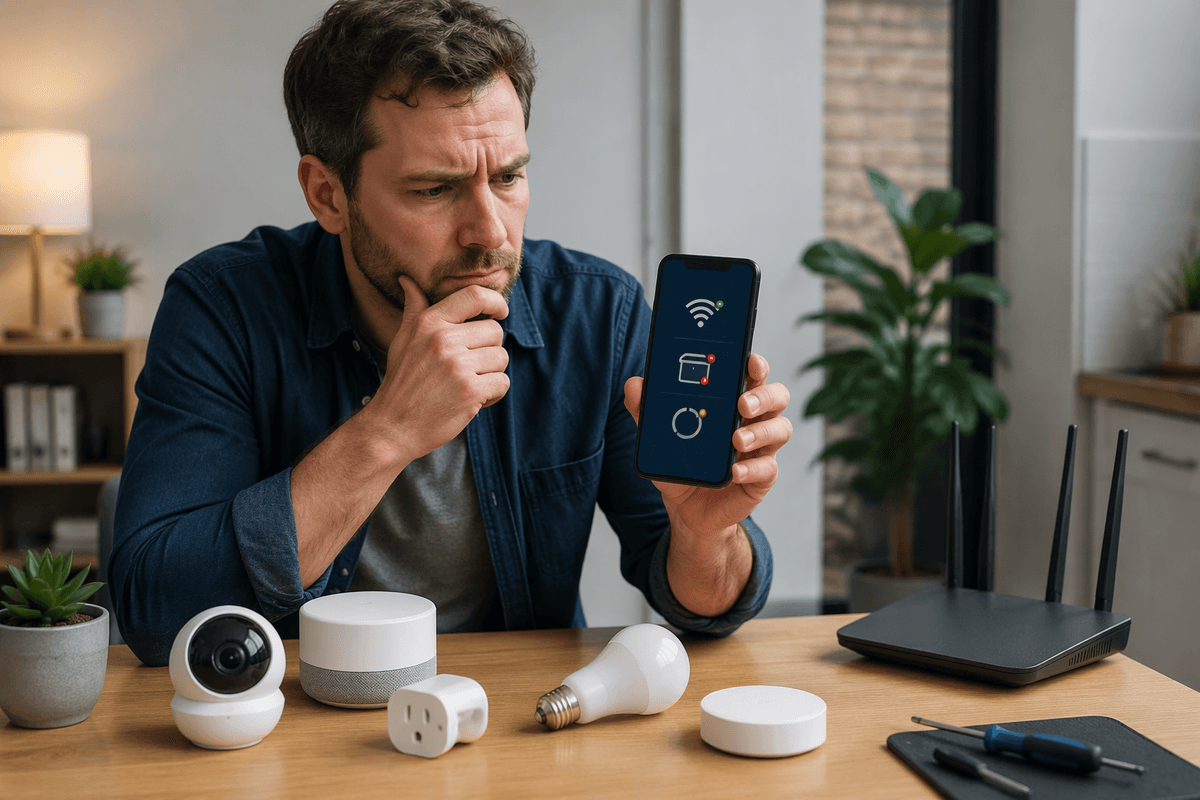
Setup is easiest when the app recognizes the device quickly, explains each step clearly, and does not force you to repeat account or network details. Apple Home, Google Home, and Alexa can simplify setup for supported products, especially when devices use compatible standards such as Matter. Manufacturer apps may still provide the smoothest first-time experience because they know the product’s firmware, connection process, and troubleshooting steps. The trade-off is that you may need to move the device into another app afterward, which can create duplicate permissions or confusing ownership settings.
Look closely at what happens when setup fails. Does the app identify whether the problem is the Wi-Fi band, a missing hub, or an expired pairing code? Can another household member add devices without taking over the account? Apps that provide clear error messages and reliable room or device naming save more time than those with attractive dashboards. Setup can still be slower with older products, Bluetooth-only devices, or accessories that require separate bridges. In those cases, the platform with fewer supported devices may be less frustrating if it handles your essential products directly.
Daily Control: Fewer Taps or More Flexibility?
Once setup is finished, the better app is usually the one that reduces small daily decisions. A clear home screen should let you turn off downstairs lights, adjust the thermostat, or check a camera without hunting through menus. Apple Home often emphasizes a compact, room-based layout, while Google Home and Alexa can make voice control and device grouping more prominent. Those differences matter when someone is leaving the house, arriving with groceries, or helping a less technical family member.
More flexibility can be valuable, but it often adds work. An app may expose detailed controls for brightness, temperature ranges, fan modes, or sensor conditions while making common actions harder to reach. Manufacturer apps sometimes offer the deepest controls for a specific product, yet they can require several separate apps for a mixed household. Test the actions you perform most often rather than judging the dashboard alone. If turning on a light requires two taps in one app and four in another, that gap becomes noticeable over time. Voice control can reduce tapping, but it depends on reliable internet, accurate device names, and everyone remembering the correct command.
Routines Reveal the Biggest Differences
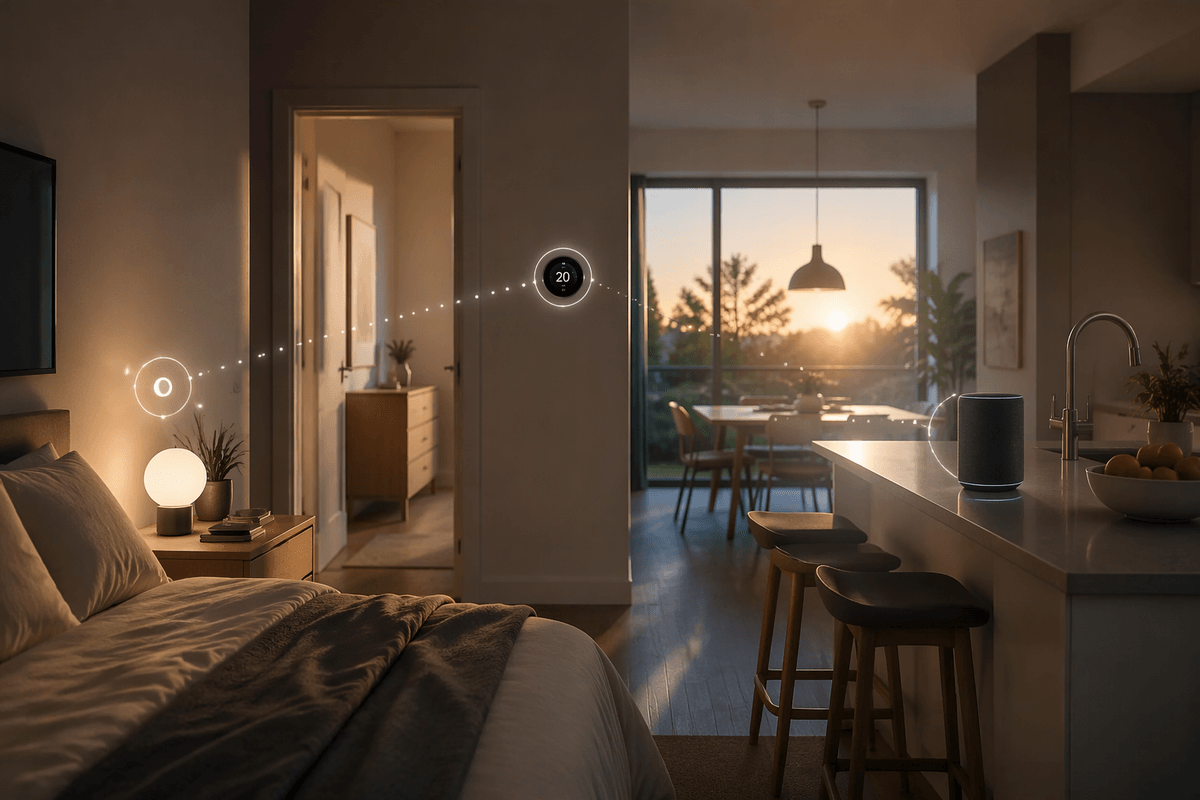
A routine can show whether an app is genuinely convenient or merely good at displaying devices. A simple “good morning” routine might turn on bedroom lights, raise the thermostat, and start a kitchen speaker. More advanced routines can react to time, location, motion, temperature, or a door sensor. Apple Home, Google Home, and Alexa all support this kind of automation, but they differ in how conditions are added, explained, and maintained. A routine that takes several menus to build may be powerful yet unlikely to be used by everyone in the household.
Pay attention to practical details. Can one routine include devices from different brands? Can it run when nobody is home, or only when a specific account is present? Are delays, exceptions, and notification settings easy to understand? Some automations depend on a hub, cloud service, or separate manufacturer integration, so a Wi-Fi outage may prevent them from running. Start with routines that solve repeated problems, such as shutting down lights and locks at bedtime. If those work reliably and remain easy to edit, the platform is more likely to stay useful as your home expands.
Privacy, Reliability, and Household Sharing
Convenience matters less if the app is unreliable or difficult to share. Check whether commands still work when the internet connection drops, especially for lights, locks, thermostats, and alarms. Local control through a hub or compatible standard can keep some devices responsive, while cloud-dependent features may pause during an outage. Reliability also depends on the weakest component: a crowded Wi-Fi network, aging bridge, or device with infrequent firmware updates can cause delays no matter which main app you choose.
Privacy settings deserve the same practical review. Compare which permissions the app requests, whether cameras and microphones can be managed separately, and how easily you can remove an old user or device. Household sharing should allow each person to use essential controls without giving everyone account-owner privileges. Guest access is useful for visitors, cleaners, or short-term renters, but it may expose more devices than intended. These safeguards can add setup steps, and some platforms make family roles or location-based features harder to understand. The most suitable app balances dependable control with permissions that ordinary household members can manage confidently.
Choose the App That Fits Your Household
The right app is the one that handles your most important devices with the least ongoing effort. If your household already uses Apple, Google, or Alexa products, staying within that platform may simplify sharing, voice control, and routines. A mixed-device home may benefit more from broad compatibility, even if a few advanced features remain in manufacturer apps. Prioritize reliable control of lights, locks, thermostats, cameras, and other devices you use every day.
Before deciding, test setup, common controls, household invitations, and one or two useful routines. Notice how the app behaves when a device disconnects or another person needs access. The best platform may not offer every feature, but it should reduce app switching, avoid unnecessary hubs, and remain understandable months later. Choose the system that fits your home’s devices, habits, and tolerance for maintenance—not the one with the most impressive feature list.