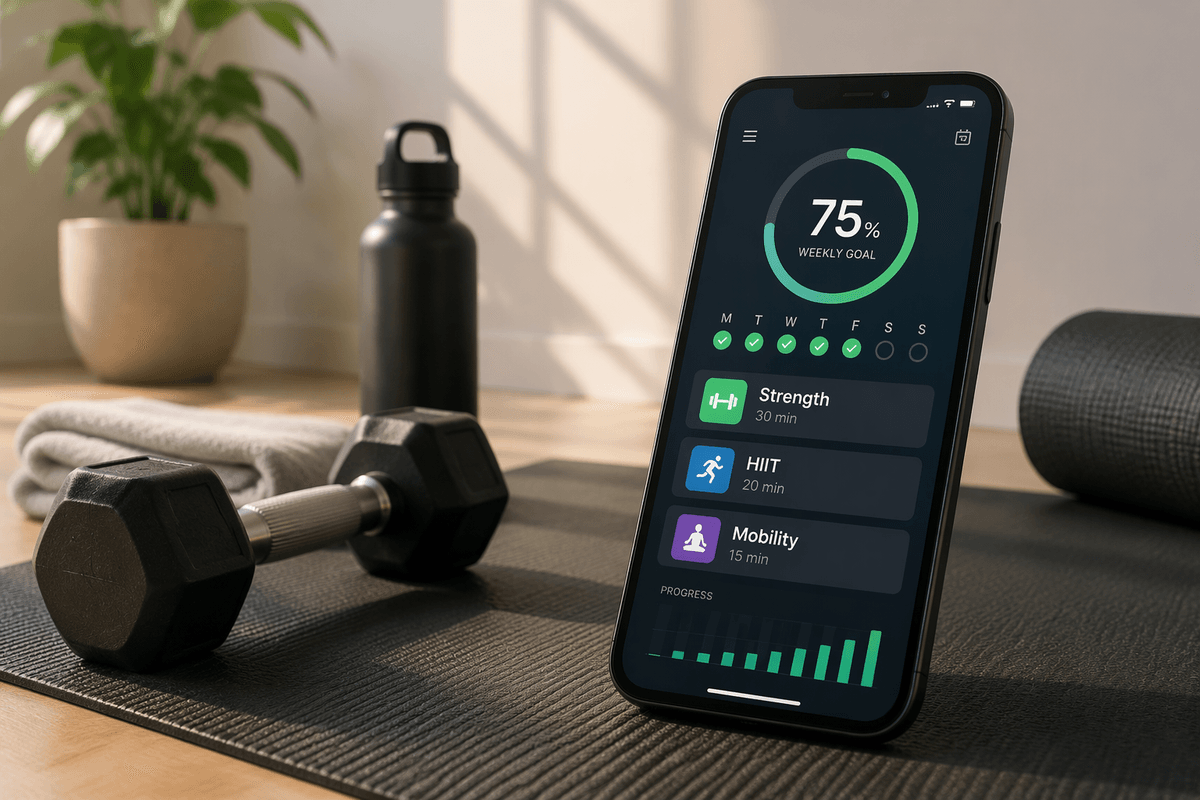
Why the Right Workout App Matters
Choosing a workout app is not only a matter of finding attractive videos or popular instructors. The right app should fit the way you actually exercise at home: the time you have, the equipment available, your current fitness level, and the type of training you enjoy. A mismatch can make even a well-designed program difficult to follow.
For example, an app built around long gym-style sessions may frustrate someone with limited space and a busy schedule. Another may offer excellent beginner workouts but provide little structure for someone training toward a specific goal. Useful comparisons therefore go beyond ratings and download numbers. Planning tools, exercise variety, progress tracking, pricing, and ease of use all affect whether the app helps you build a routine or becomes another unused subscription.
Start With Your Workout Style and Goals
Start by identifying what you want your workouts to accomplish and how you prefer to train. Someone aiming to improve general fitness may benefit from short sessions that combine strength, cardio, and mobility. A person focused on building muscle will need progressive resistance and clear guidance on sets, repetitions, and rest periods. If weight loss is the priority, consistency and manageable activity may matter more than demanding daily workouts.
Your preferred format matters just as much. Some people stay engaged with instructor-led video classes, while others prefer written plans, timers, or flexible exercise lists. Consider whether you want fixed routines, a rotating weekly schedule, or the ability to choose a workout based on available time and energy. Also check that the app matches your fitness level and equipment. A program requiring dumbbells, resistance bands, and a large floor area is a poor fit if you have only a mat. The best choice supports realistic habits rather than an ideal routine you cannot maintain.
Compare Apps by Planning and Scheduling Tools
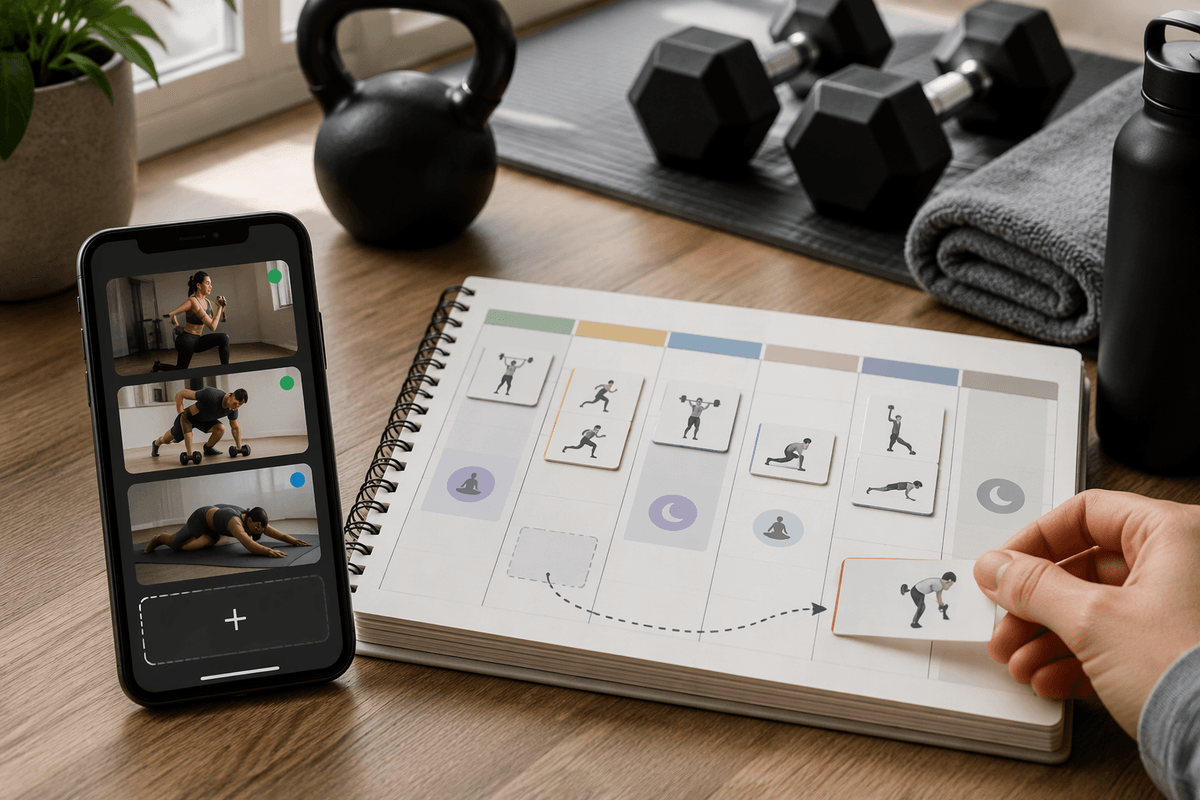
Once you know how you prefer to train, compare how each app turns that preference into a workable schedule. A useful app may build a weekly plan, suggest rest days, and place individual sessions on a calendar. This can reduce the daily decision of figuring out what to do next. Look for filters that let you adjust workouts by duration, difficulty, muscle group, or equipment, especially if your available time changes from day to day.
Fixed programs offer structure and can make consistency easier, but they may be difficult to follow when work, family responsibilities, or fatigue disrupt the schedule. Flexible apps let you swap sessions or shorten workouts, though they may require more self-direction. Check whether missed workouts are rescheduled sensibly or simply marked incomplete. Also consider how much planning the app expects from you. A detailed calendar is helpful for someone who wants a complete training routine, while a simple “choose today’s workout” system may be better for someone who needs low friction. The strongest option provides enough guidance without making small changes feel like a failure.
Look Closely at Exercise Libraries and Equipment
Exercise variety matters, but a large library is not automatically useful. Check whether the app explains each movement clearly through video, written cues, or both. Demonstrations should show setup, range of motion, breathing, and common mistakes, especially for beginners. It is also helpful to see easier and harder versions of the same exercise so you can adjust without abandoning the workout. Search and filtering tools should make it simple to find movements by muscle group, training type, duration, or difficulty.
Equipment requirements deserve equal attention. Some apps label workouts as bodyweight, yet still assume access to a bench, pull-up bar, or heavy dumbbells. Confirm whether you can filter by the equipment you own and whether substitutions are practical for your space. A resistance band may replace a cable machine for some exercises, but not perfectly, and improvised alternatives may affect stability or safety. Also consider whether the app supports gradual progression when your equipment is limited. An app with fewer exercises but sensible modifications may serve a home user better than an extensive library built around a fully equipped gym.
Check Progress Tracking and Workout Adaptation
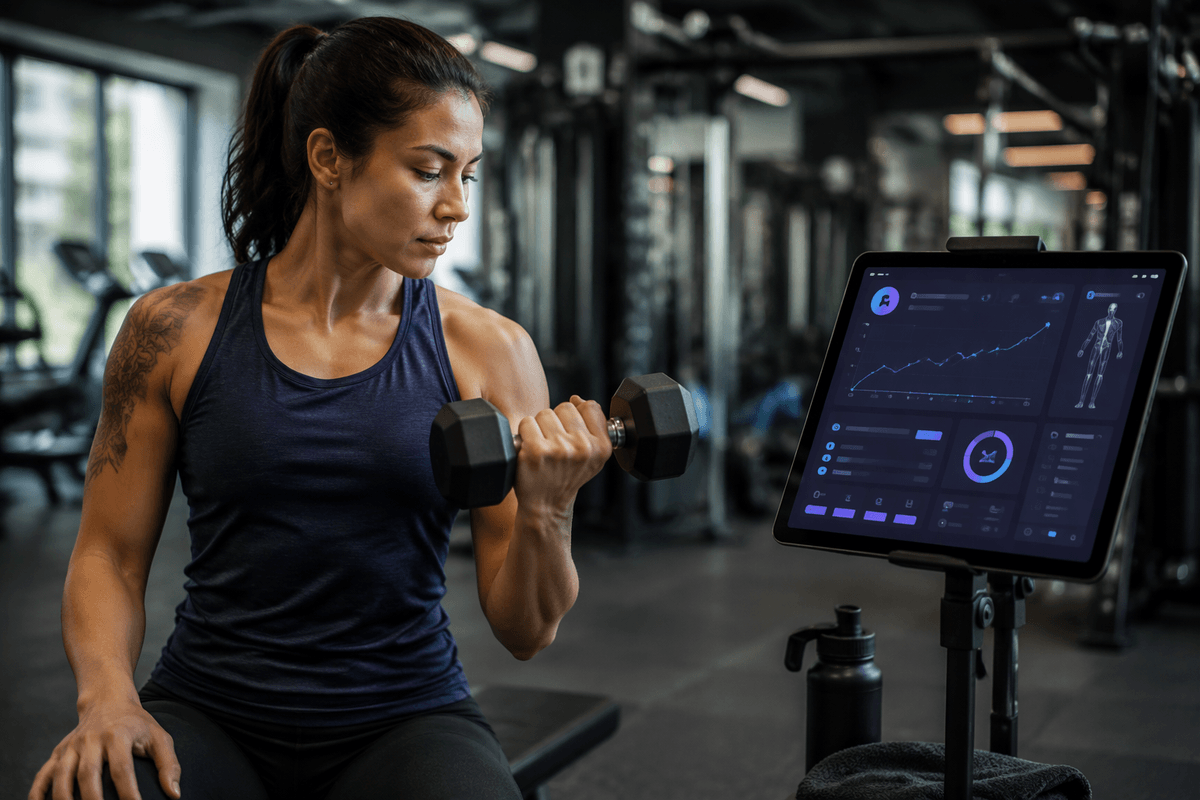
After a few weeks, the app should help you see whether your routine is working rather than simply record that you completed it. Look for useful measures such as workout frequency, strength or repetition changes, session duration, and personal notes about energy or discomfort. Weight and calorie estimates can be included, but they should not be the only indicators of progress. A clear history makes it easier to notice patterns, such as improved consistency or recurring fatigue.
Workout adaptation is valuable when it responds to your actual performance. Some apps increase difficulty, adjust repetitions, or recommend recovery after you complete sessions. Others only display a fixed program, leaving you to decide when to advance. Automatic adjustments can save time, but they are not always accurate, especially if you skip exercises, use different equipment, or report effort inconsistently. Check whether you can edit a workout, repeat an easier version, or override recommendations. The best system supports gradual progression without pushing you beyond your current ability or treating every missed session as a problem.
Balance Free Features, Subscriptions, and Usability
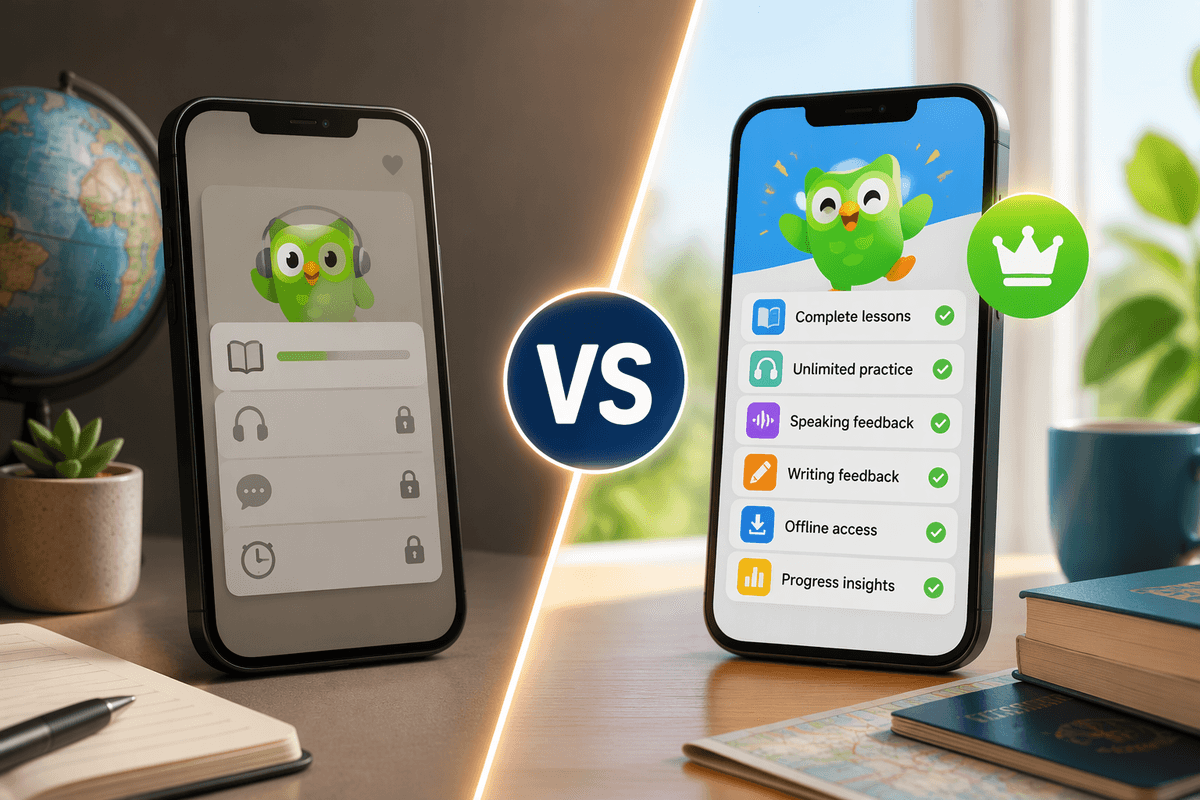
A free workout app can be enough if it includes the essentials: clear exercise instructions, useful filters, basic scheduling, and a way to record completed sessions. Before paying, test whether the free version supports your actual routine rather than judging it by the number of locked features. Some apps limit workout variety, remove progress history, or interrupt sessions with frequent prompts, which can make a supposedly free option inconvenient.
Paid plans may add structured programs, adaptive training, detailed statistics, offline access, or integration with wearables. These features can be worthwhile if they solve a problem you regularly face, but a subscription is a poor value when you mainly need short, simple workouts. Check the billing terms, trial period, cancellation process, and whether important content disappears after cancellation. Usability matters just as much as price: workouts should start quickly, navigation should be clear, and logging a session should not require several screens. A less advanced app that you open consistently will usually provide more benefit than a feature-rich service that feels complicated or distracting.
Choose the App You Will Actually Use
The final choice should be based on how easily the app fits into an ordinary week. Imagine using it after a long workday, with limited space, changing energy, and only the equipment you already own. Can you find an appropriate workout quickly, understand what to do, and record it without extra effort? If the answer is no, advanced analytics or a large exercise library may not compensate for the friction.
Compare two or three realistic options by testing the same routine in each one. Notice how clearly they handle substitutions, missed sessions, progression, and scheduling changes. Choose the app that supports your goals while asking the least from your willpower. A simple plan you follow three times a week is more valuable than an ambitious program that becomes difficult to manage. Reassess after a few weeks, and switch only if the app consistently limits your progress or consistency.