Why Your Step Count May Be Wrong
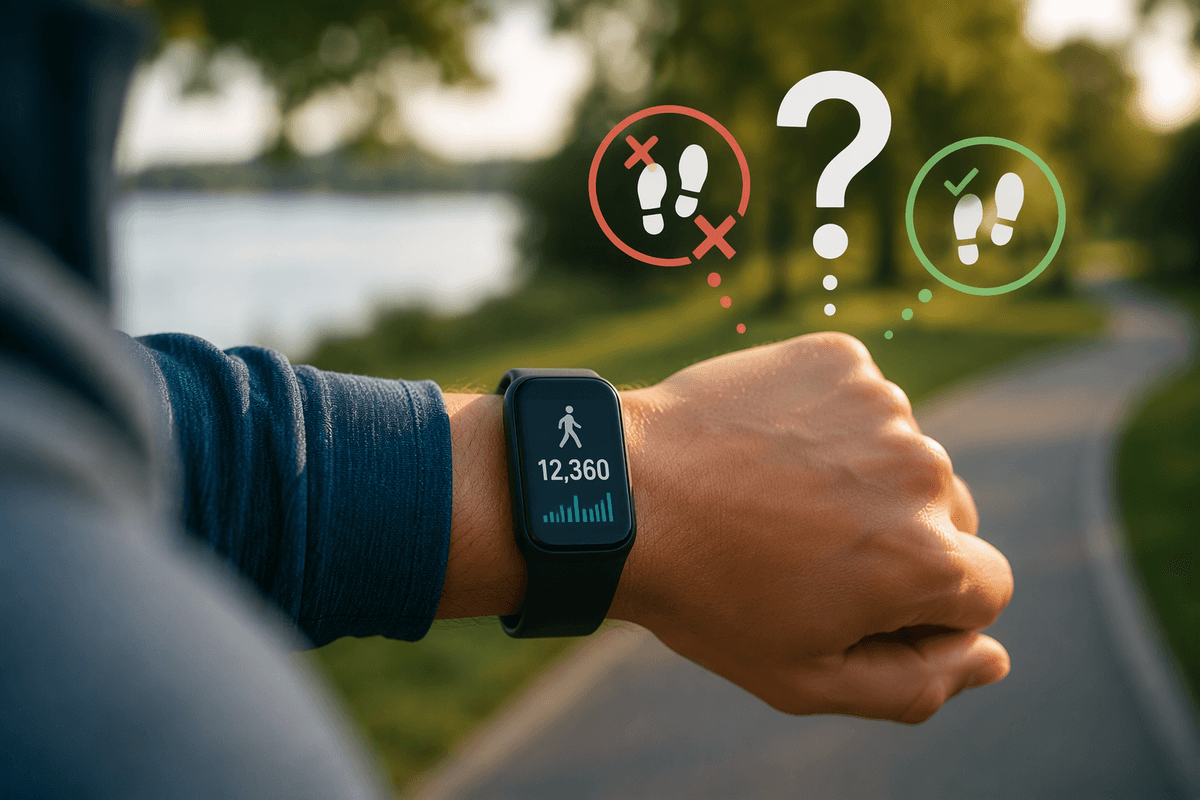
Your tracker can report the wrong number of steps even when it appears to be working normally. Most devices estimate steps from motion sensors, so they may count repeated arm movements as walking or miss steps when your movement is gentle, uneven, or interrupted. Carrying groceries, pushing a stroller, holding a railing, or walking with your hands in your pockets can all change the motion pattern the device detects.
Accuracy also depends on where you wear the device, how securely it fits, and whether your height, weight, stride length, or dominant wrist settings are correct. Software glitches, delayed syncing, low battery, and differences between devices can add uncertainty. A step count is best treated as a consistent activity estimate, not a laboratory measurement. Checking the simplest physical and settings-related causes usually reveals more than replacing the tracker immediately.
Start With Fit, Placement, and Movement

Begin with the simplest check: make sure the tracker is secure and positioned as intended. A loose band can shift with each arm swing, while wearing it too tightly may restrict natural movement. Wrist devices usually work best just above the wrist bone, with the sensors resting flat against the skin. If you move the tracker between wrists, wear it on your dominant hand, or place it in a pocket, confirm that the device settings match that location. A tracker designed for wrist use may read differently when buried under clothing or clipped loosely to a waistband.
Pay attention to what your hands are doing while you walk. A natural arm swing gives a wrist tracker a clear pattern, but pushing a shopping cart, holding a phone, carrying groceries, or gripping exercise equipment can reduce the count. Repeated nonwalking motions, such as washing dishes or brushing teeth, may raise it. Compare readings during a deliberate ten-minute walk with relaxed arm movement. If the count improves under those conditions, the device may be responding normally but struggling with your usual movement patterns.
Check How Your Tracker Recognizes Steps
Trackers do not count every impact equally. They look for a repeated pattern in motion, usually combining accelerometer data with timing and intensity thresholds. A short shuffle, slow walk, or stop-and-start trip may fail to meet those thresholds, especially if each walking bout lasts only a few seconds. Fast arm movements can create the opposite problem: waving, cleaning, or reaching repeatedly may resemble the rhythm of walking and add steps that never occurred.
Test the device under conditions that expose this limitation. Count 100 deliberate steps on a level path while wearing the tracker normally, then repeat the test while carrying an object or walking slowly. Compare the device’s result with your manual count, allowing for a small difference. Check whether an exercise or activity mode changes how movement is interpreted; some devices prioritize workout distance or pace rather than ordinary daily steps. Hills, stairs, uneven ground, and frequent pauses can also produce inconsistent readings because your motion no longer matches the pattern the algorithm expects. A single test is not conclusive, but repeated differences under the same conditions reveal whether the issue is recognition rather than hardware failure.
Recalibrate Stride Length and Personal Settings
If the count is consistently high or low during a measured walk, check the personal settings that shape distance and movement estimates. Enter your current height, weight, age, sex, and dominant wrist if the device requests them. These details do not make every step count perfect, but incorrect information can affect stride estimates, activity classification, and calorie calculations. Confirm that the tracker is set for the wrist or wearing position you actually use.
Stride length deserves special attention when the device estimates steps from distance or combines step data with GPS. Measure a known route, such as a track or a clearly marked half-mile path, and count your steps while walking at a normal pace. Divide the distance by the number of steps to estimate your average stride, then enter that value if manual adjustment is available. Test it over several walks rather than relying on one unusually slow or fast outing. Your stride changes with hills, fatigue, footwear, and walking speed, so calibration improves consistency but cannot remove every error. Recheck the setting after major changes in fitness, injury, or walking habits.
Rule Out Sync, Battery, and Software Problems
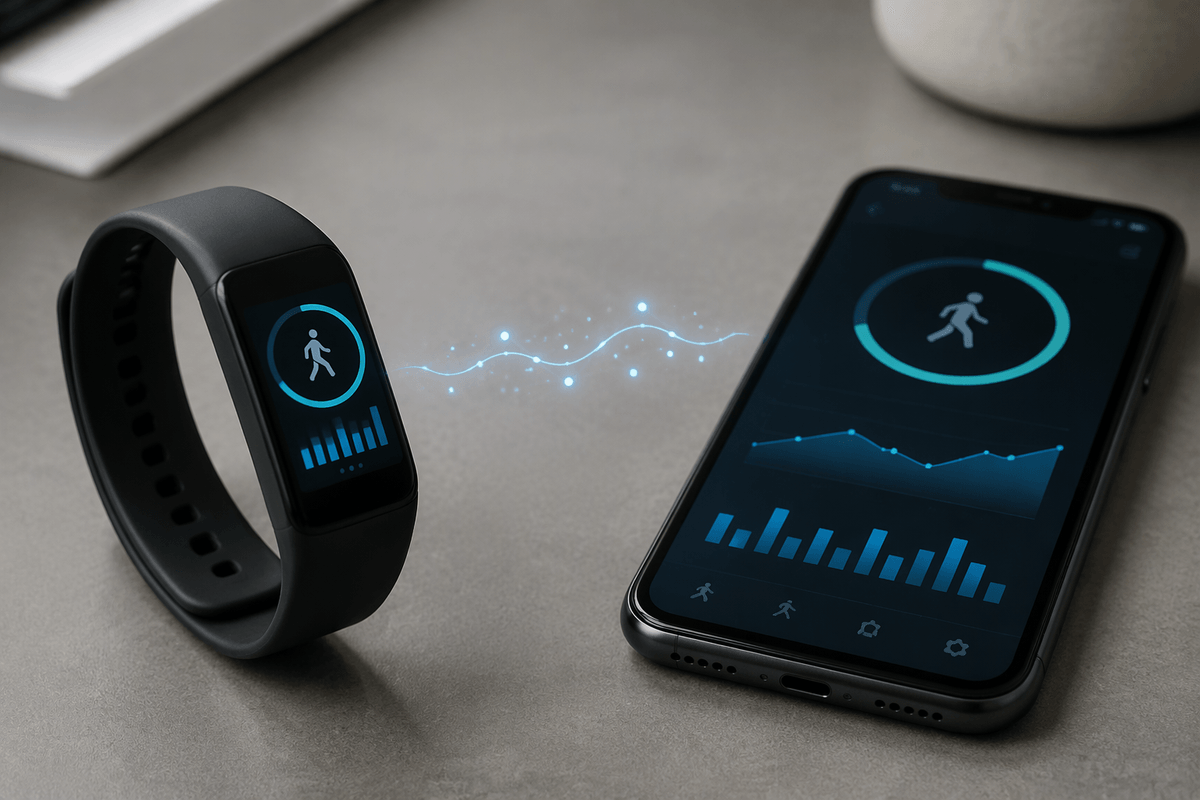
When the count suddenly changes from its usual pattern, check the device before changing your walking habits. Open the companion app and confirm that the tracker has synced recently. A watch may display one number while the phone app shows another until the connection catches up. Keep the device and phone close together, refresh the app, and allow time for a delayed upload. If only part of the day is missing, compare the last recorded sync time with when you wore the tracker.
Battery level can matter as well. Some devices reduce sensor activity, stop recording, or behave unpredictably when power is very low. Charge the tracker fully, restart it, and install available firmware or app updates. Also check permissions for motion, Bluetooth, background activity, and health data; a phone’s battery-saving mode can interrupt syncing even when the tracker continues counting. If the problem began after an update, note the date and compare several days of readings before resetting anything. A factory reset may clear corrupted data, but it can erase settings and unsynced records, so back up or synchronize first. Persistent gaps across multiple charges and resets point beyond ordinary calibration.
Test Accuracy Before Replacing the Device
Before replacing the tracker, compare it with a simple reference test. Mark a route where you can count 200 steps comfortably, such as a measured hallway, track, or quiet sidewalk. Wear the device as usual, walk at your normal pace, and record the result. Repeat the test two or three times on different days. A small variation is normal, but a repeated difference of 10 to 15 percent suggests a consistent counting issue worth investigating. Test both ordinary walking and a situation that often causes trouble, such as carrying a bag or pushing a cart.
Also compare trends rather than expecting identical numbers from two devices. A phone in a pocket, a smartwatch, and a treadmill may use different sensors, placement, and filtering rules. If one tracker is consistently lower but still rises on active days and falls on quiet ones, it may be useful enough for goal setting. Replacement becomes more reasonable when readings remain erratic after proper fit, settings checks, charging, updates, and repeated manual tests. Check the warranty before buying a new device, since documented failures may qualify for repair or replacement.
Know When Inaccuracy Needs Support
Contact the manufacturer or a qualified service provider when the tracker shows large, unexplained changes after you have checked fit, settings, syncing, battery level, and updates. Bring specific examples: the date, activity, manual step count, device reading, and whether the problem affects one wrist or every test. This helps distinguish a sensor fault from an unusual movement pattern. If the device is under warranty, avoid opening it or using unofficial repairs, since that may affect coverage.
For everyday goals, do not wait for laboratory-level precision. Use the tracker to compare your own activity over time, keep the wearing method consistent, and treat unusual readings as prompts to investigate rather than exact measurements. If walking is important for managing a medical condition, follow the advice of your clinician and use any required monitoring method instead of relying on step count alone.