What Do You Want From Daily Fitness Data?
Before comparing Fitbit and Garmin, decide what you want daily fitness data to do. A simple activity summary may be enough if your goal is to move more, monitor sleep, and notice broad trends. You may care more about reminders, easy-to-read scores, and encouragement than detailed training metrics.
More structured exercisers often want information that supports specific decisions: whether to train hard today, how much recovery to allow, or how a workout affected overall readiness. Garmin generally offers more depth for training-focused users, while Fitbit often presents everyday health information in a more approachable format. Neither approach is automatically better. Detailed data can be useful, but it can also create extra numbers to interpret and may depend on a compatible device or paid subscription. The better choice starts with the decisions you expect the app to support.
How Clearly Does Each App Explain Your Day?
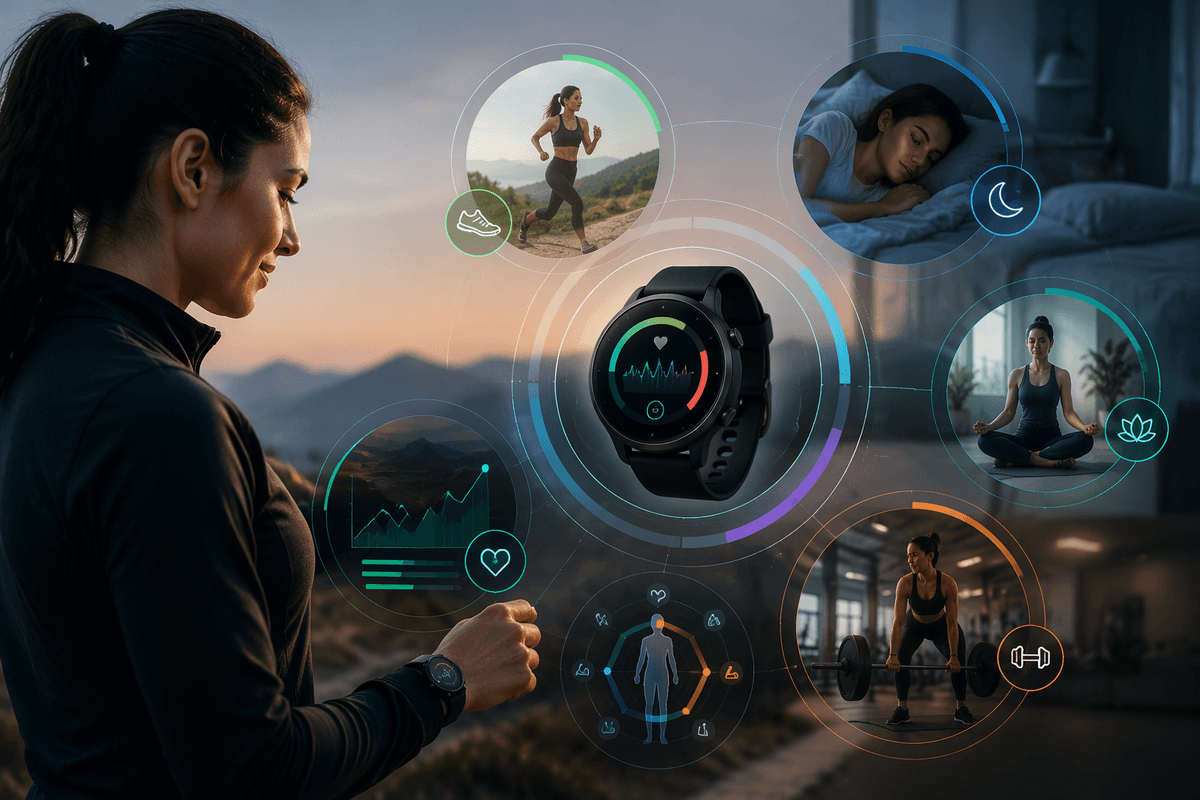
Open either app after an ordinary day and the difference is usually in how much interpretation it provides. Fitbit tends to turn activity, sleep, heart rate, and stress measurements into simple summaries, trend lines, and prompts that are easy to scan. That makes it useful when you want a quick answer to questions such as whether you moved enough or slept better than usual.
Garmin typically gives you more detail, including training load, intensity, heart-rate information, and connections between workouts and recovery. For someone who regularly runs, cycles, or follows a structured plan, that added context can make the data more useful. However, the app may require more time to understand, especially when several metrics point in different directions. A low readiness or recovery indication is not automatically a reason to skip exercise, just as a good score does not guarantee that a demanding workout will feel easy.
The practical test is whether the app helps you make a decision without creating confusion. Fitbit is often clearer for broad lifestyle feedback; Garmin is stronger when daily information needs to support training choices.
Sleep and Recovery Insights Are Not the Same
Sleep data can look similar across Fitbit and Garmin, but the practical meaning is different. Fitbit usually emphasizes sleep duration, sleep stages, sleep score, and changes from your personal baseline. Its presentation is useful for spotting patterns, such as consistently short nights or more restless sleep after late activity. Some deeper sleep and readiness features may depend on a compatible device or Fitbit Premium subscription, so the clearest interpretation is not always included at no extra cost.
Garmin connects sleep more directly to training and recovery. Depending on the watch, you may see Body Battery, stress readings, recovery time, training readiness, and heart-rate variability trends alongside sleep information. That can help an active user decide whether to follow a planned workout or reduce intensity. The trade-off is that Garmin’s guidance depends heavily on wearing the device consistently and can be harder to interpret when sleep, stress, and recent training tell different stories.
For general sleep awareness, Fitbit is often easier to understand. For linking sleep to exercise decisions, Garmin usually provides more context, but neither app can explain every cause of poor sleep or replace clinical advice.
Which App Fits Your Exercise Routine?
The best fit often becomes clear when you compare how you actually exercise, not how you hope to exercise. If most activity consists of walks, occasional gym sessions, classes, or informal workouts, Fitbit usually keeps the experience straightforward. It can show whether you are staying active without turning every session into a training analysis. That lower level of detail may be an advantage if you want useful feedback with little setup.
Garmin is better suited to routines built around running, cycling, swimming, hiking, or planned strength and endurance training. Compatible watches can provide pace, heart-rate zones, intervals, training load, recovery time, and workout guidance. These tools are valuable when you adjust the next session based on the previous one. They are less useful if you rarely review workout details or do not follow a consistent schedule. Garmin’s strongest insights also depend on choosing a device with the sensors and sport profiles you need, which can increase the cost.
Consider how often you want to make exercise decisions from your data. Fitbit favors simple consistency; Garmin rewards regular training and closer analysis.
Accuracy, Battery, and Device Compatibility Matter
Two apps can show different results for the same day, especially when measuring steps, heart rate, sleep, or calories. Fitbit devices are generally designed for continuous everyday tracking, while Garmin watches often prioritize workout data and GPS performance. Neither should be treated as a medical instrument. Wrist movement, loose fit, skin contact, workout type, and device placement can all affect readings, so consistency matters more than reacting to a single unusual number.
Battery life also changes how complete the picture becomes. A Garmin watch may last several days or longer, depending on the model and GPS use, which reduces gaps during workouts and sleep. Fitbit battery life varies by device but is often sufficient for routine tracking. Any device becomes less useful when it is left charging during the periods you most want to measure. Frequent GPS workouts, always-on displays, and advanced sensors can shorten battery life on either platform.
Compatibility is the final constraint. Fitbit features depend on the Fitbit device and app, while Garmin insights are closely tied to the watch’s sensors and supported activities. Check those requirements before comparing app features alone.
Subscriptions and Ecosystems Change the Value
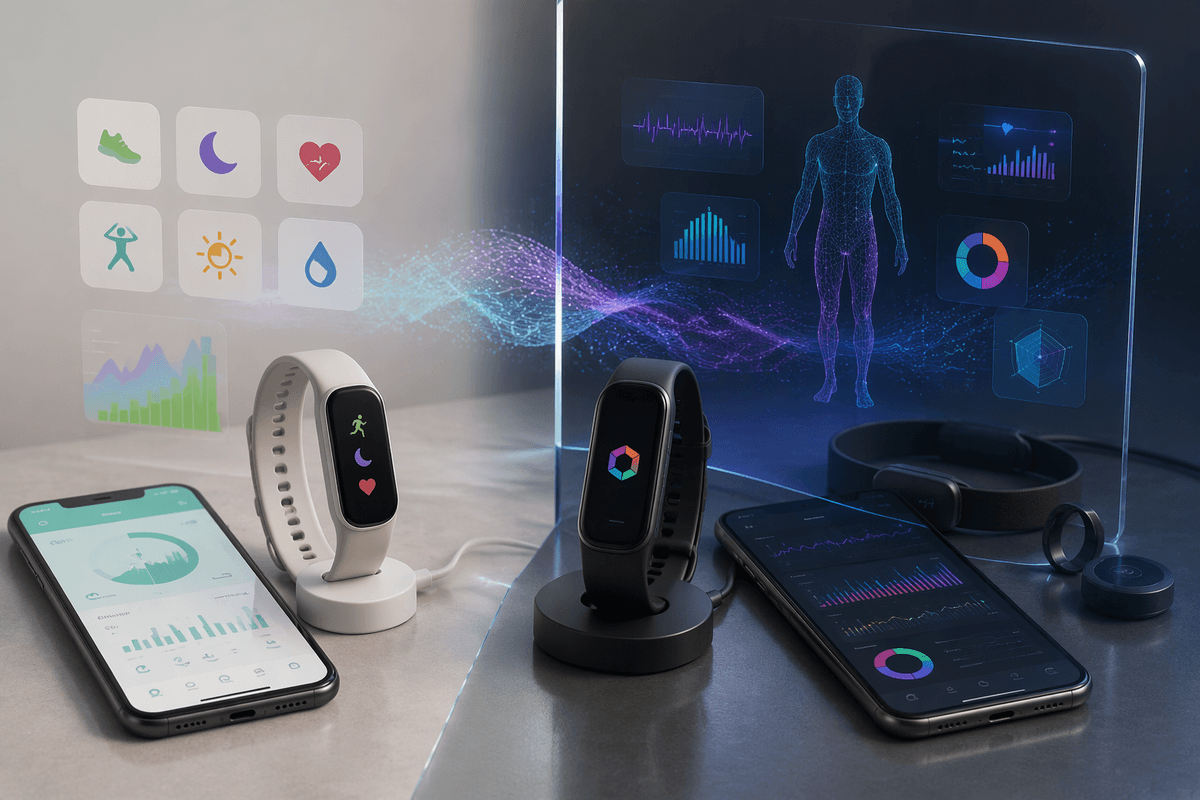
Two apps can appear similarly priced until you account for what is included after the device purchase. Fitbit keeps many basic activity and sleep summaries available without a subscription, but some deeper sleep analysis, readiness guidance, and longer-term reports may require Fitbit Premium. That can make Fitbit’s simple experience less complete if you want its most personalized recommendations.
Garmin generally places more training, recovery, and workout features inside the device ecosystem rather than behind a recurring subscription. The trade-off is often a higher upfront cost for a watch with the sensors and sport profiles needed to produce those insights. Garmin’s wider device range can also make it easier to stay within one platform if you later add cycling sensors or other accessories, while Fitbit may be more convenient if you already use Google services or prefer a simpler health-focused setup.
Compare the total cost over the period you expect to use the tracker, including any subscription, replacement device, and accessories. A cheaper entry point may not remain cheaper if the features you value most are paywalled.
Choose the App You Will Actually Use
The better app is usually the one you will check consistently and wear often enough to produce useful trends. Choose Fitbit if you want clear summaries, approachable sleep and activity feedback, and minimal effort. Choose Garmin if you enjoy structured workouts, want deeper recovery and training context, and are willing to spend more time learning the metrics and selecting the right device.
Before buying, identify the three insights you will use most, then confirm that your chosen device provides them without an unwanted subscription or major battery compromise. A sophisticated dashboard cannot help if you ignore it, and a simpler app can be more valuable when it supports habits you maintain every day.