Choosing an App You’ll Actually Open Daily
Choosing between Calm and Headspace starts with a less exciting question than price or celebrity content: which app fits the way you already live? A beginner who has five quiet minutes before work may need a different setup from someone who meditates at night and wants longer guidance. The best app is usually the one that removes the fewest obstacles between deciding to meditate and pressing play.
Compare how quickly each app gets you into a suitable session, whether reminders match your schedule, and how clearly it explains what to do. Look at the session lengths, beginner pathways, progress tracking, and daily prompts rather than counting features in isolation. A large library can be useful, but it can also create decision fatigue. If choosing a meditation takes longer than starting one, convenience has become friction.
First Impressions Shape the Habit
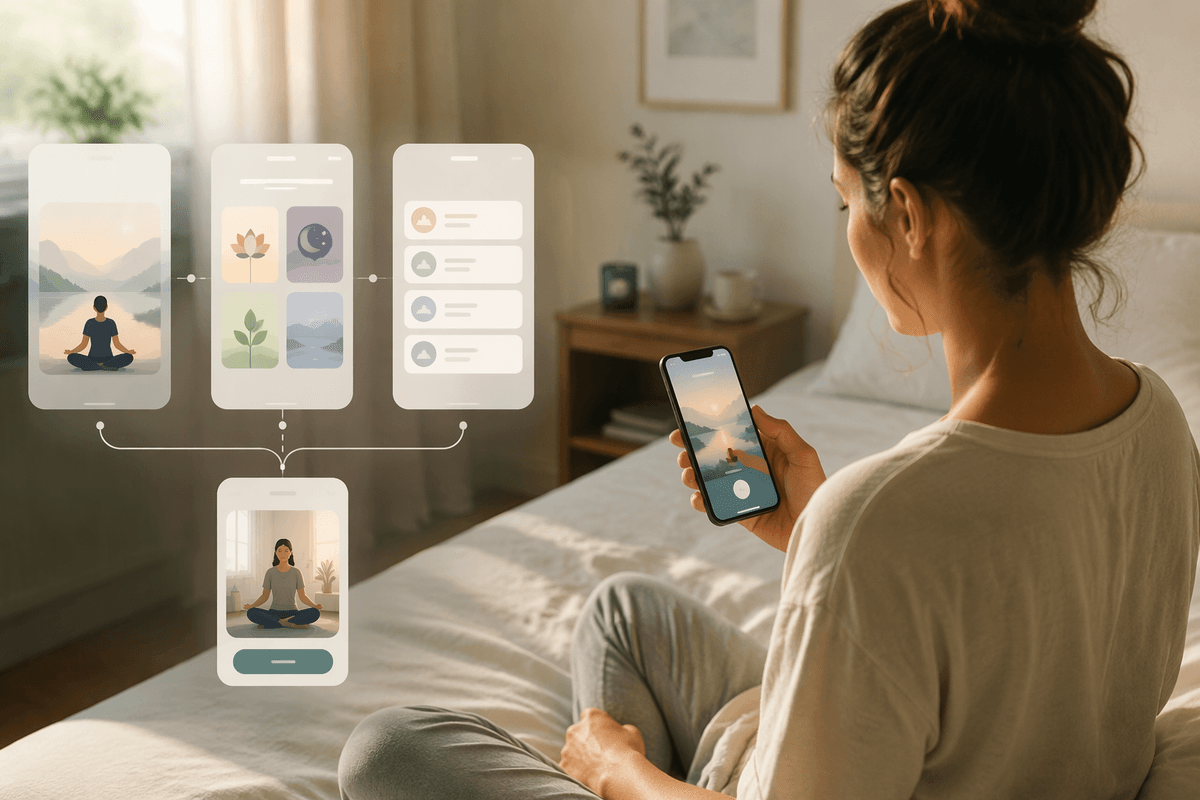
The first few minutes with Calm or Headspace can influence whether meditation becomes a routine or remains an occasional experiment. Headspace generally places more emphasis on structured onboarding, helping beginners choose a starting course and understand the basics before exploring the wider library. Calm tends to feel more open-ended, with prominent daily content, sleep options, and a broad range of sessions available early. That flexibility can be helpful if you already know what you want, but it may leave a new user deciding among more choices.
Reminders and opening screens matter for the same reason. A prompt that appears at a useful time supports an existing routine; one that arrives during work or late at night is easy to dismiss and eventually ignore. Check whether the app lets you adjust reminder times, resume unfinished programs, and reach a short session without repeated browsing. Neither design removes the need for consistency, and both can become less effective if notifications are too frequent or the suggested content does not match your mood. The stronger first impression is the one that makes tomorrow’s session obvious.
Short Sessions or More Room to Settle
A five-minute session can be the difference between meditating and postponing it. Calm and Headspace both offer short practices, but they often frame them differently. Headspace is well suited to users who want a clear exercise with a defined purpose, such as focusing on breathing or managing stress. Its shorter sessions can feel approachable when your schedule is tight. Calm also provides brief options, including daily practices and quick exercises, but its broader library makes it easier to move between meditation, relaxation, and sleep content.
Longer sessions create a different advantage: more time to settle in, notice distractions, and develop concentration without feeling rushed. That can appeal to experienced users or anyone with a reliable evening routine. The trade-off is practical. A 20-minute plan may sound worthwhile but become difficult to protect on busy mornings, while a five-minute session may be easy to repeat without producing the same sense of depth. Consider when meditation is most likely to happen, then choose the app whose default lengths make that moment easier to use. Flexibility matters, but a routine built around sessions you can realistically complete is usually stronger than an ambitious schedule you regularly skip.
Which App Makes Consistency Feel Visible?
Consistency becomes easier to protect when an app shows what you have actually done. Headspace tends to make progress feel structured through courses, daily goals, and a clear sense of moving from one practice to the next. That can suit beginners who want meditation to resemble a guided program rather than a loose collection of exercises. Calm offers its own ways to build momentum, including daily content, reminders, and tracking that can help you notice how often you return. Its more flexible approach may feel less demanding, but it can also make progress harder to interpret if you move among unrelated sessions.
Streaks, check-ins, and completion records are useful only when they encourage another session instead of creating pressure after a missed day. A long streak may look motivating, yet one disrupted week can make some users abandon the routine altogether. Look for an app that treats progress as a pattern, not a perfect score. If you prefer clear milestones and a defined path, Headspace may make consistency more visible. If you stay engaged by choosing content that fits each day, Calm’s broader flexibility may be easier to sustain.
Finding Guidance That Keeps You Engaged
When motivation drops, the quality and timing of guidance can determine whether you continue or stop. Headspace usually gives meditation a lesson-like structure: an instructor explains the purpose, leads the exercise, and builds on earlier sessions. That approach can reduce uncertainty for beginners who want to know what to do with wandering thoughts, restlessness, or difficulty concentrating. Calm offers guided meditations across more situations, from stress and self-esteem to sleep and relaxation. Its variety helps when your needs change, although choosing among many themes may require more effort.
Pay attention to how each app keeps you engaged after the first few days. Look for beginner courses, daily recommendations, reminders, and sessions that let you continue without restarting a full program. Audio style matters too. Some users prefer a calm voice with minimal explanation, while others need regular instruction to stay focused. Guidance should support the routine, not turn every session into a decision. Headspace may be the better fit if a planned sequence keeps you accountable. Calm may suit you more if relevant choices help you return when your energy, schedule, or reason for meditating changes.
Daily Convenience Depends on Your Routine
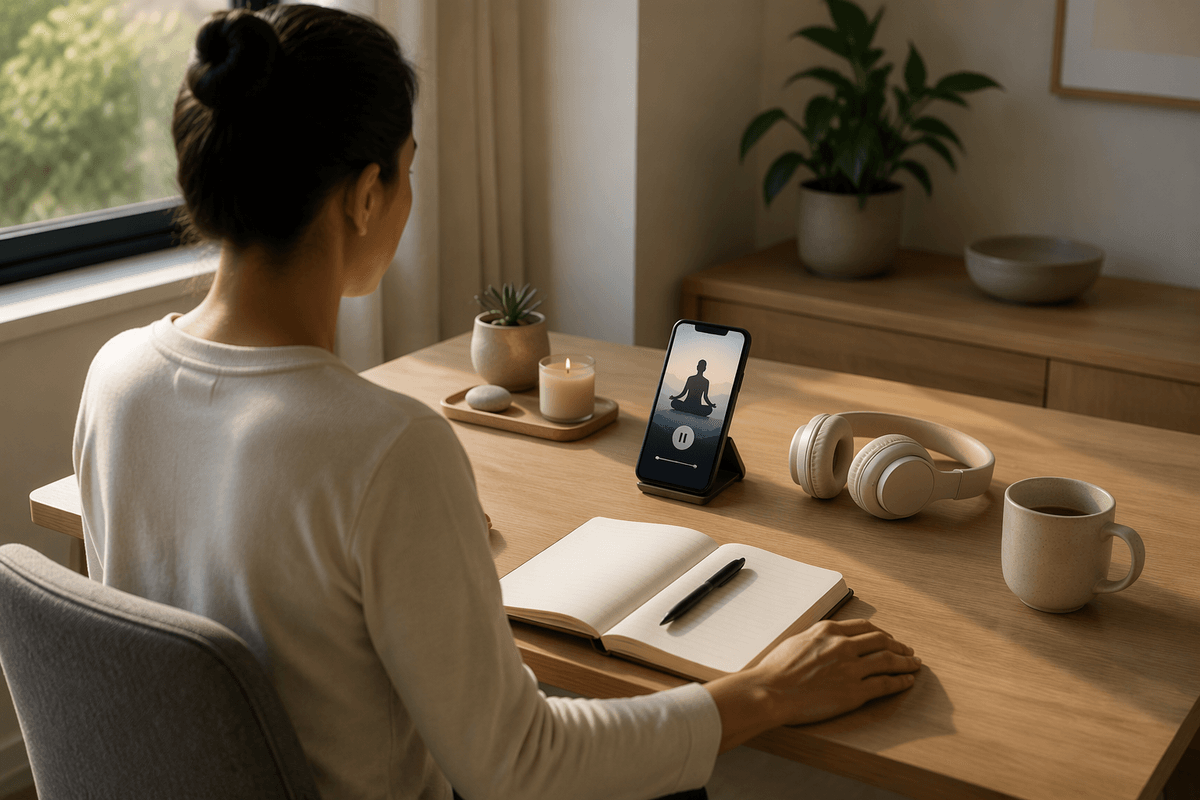
A meditation app is only convenient when it fits the spaces already available in your day. Calm may work well for users who want one place for meditation, sleep stories, breathing exercises, and relaxing background audio, especially when their routine changes from morning to evening. Headspace can feel more efficient for someone who prefers opening the app with a clear plan, completing a guided course, and moving on. Both approaches reduce effort, but they solve different problems: Calm supports varied routines, while Headspace often supports a more defined one.
Check the practical details that affect repeat use. Can you find an appropriate session quickly, download it before commuting, adjust reminders, and continue when you miss a day? Consider whether you usually meditate with headphones, during travel, at work, or in bed, since audio controls and session length become more important in those settings. A broad library does not help if browsing takes too long, and a structured program can feel restrictive if your schedule changes often. Choose Calm when flexibility is the main convenience. Choose Headspace when reducing daily decisions is more valuable than having endless options.
The Better Choice Is the One You Repeat
The better choice is the one that still feels usable on an ordinary day, not just during a motivated week. Choose Headspace if a clear course, predictable guidance, and visible milestones help you start without deciding what to do. Choose Calm if flexible session lengths, varied topics, and sleep or relaxation tools make it easier to adapt meditation to changing routines. Neither advantage matters if the app’s reminders, tone, or navigation repeatedly get in your way.
Before committing, test each app against your real schedule: open it when you are busy, choose a session you can finish, and see whether returning the next day feels straightforward. A missed session should be easy to resume rather than a reason to quit. The strongest match is not the app with the longer feature list. It is the one that makes meditation simple enough to repeat until repetition becomes a habit.